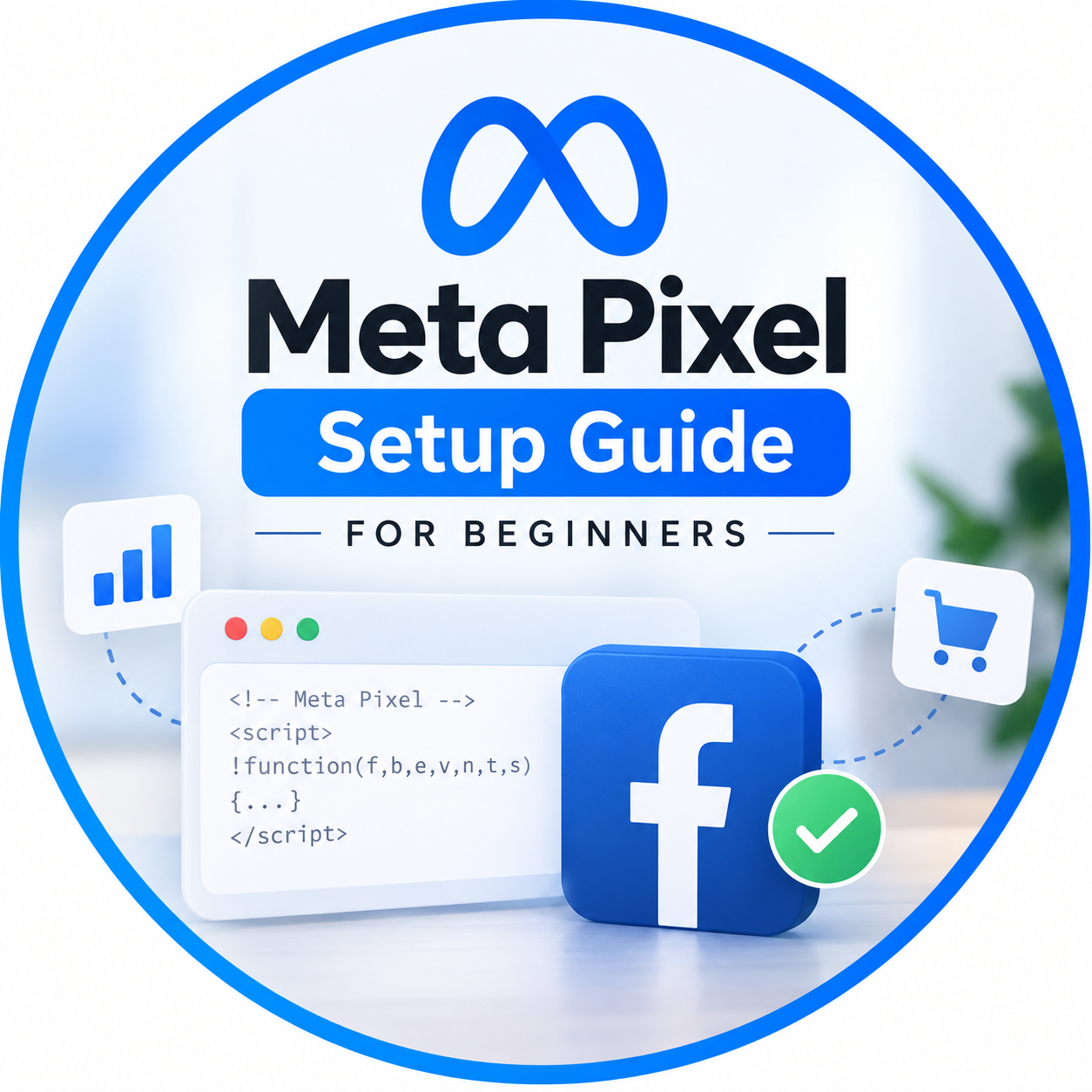
If you’re running Facebook or Instagram ads, installing the Meta Pixel is one of the most important steps you can take. Without it, you’re essentially advertising in the dark, unable to accurately measure conversions, optimize campaigns, or retarget potential customers. Whether you’re a small business owner or just getting started with digital marketing, this beginner-friendly guide will help you understand and set up Meta Pixel correctly.
What is Meta Pixel?
Meta Pixel is a small piece of JavaScript code that you add to your website. It tracks visitor actions such as page views, purchases, form submissions, and button clicks. This data is sent to your Meta Ads Manager, allowing you to understand user behavior and improve your advertising performance.
By using Meta Pixel, you can:
- Track website conversions
- Build custom audiences for retargeting
- Create lookalike audiences
- Optimize ads for better results
- Measure your return on ad spend (ROAS)
Simply put, Meta Pixel transforms website visitors into valuable marketing insights.
Step-by-Step Meta Pixel Setup
Step 1: Create a Meta Pixel
Log in to your Meta Business Manager and navigate to Events Manager. Click Connect Data Sources, select Web, and then choose Meta Pixel. Give your Pixel a recognizable name and enter your website URL.
Step 2: Install the Pixel
There are three common installation methods:
- Add the Pixel manually to your website’s <head> section.
- Use a partner integration such as WordPress, Shopify, Wix, or WooCommerce.
- Ask your web developer to install it for you.
For beginners, partner integrations are the quickest and easiest option.
Step 3: Verify the Installation
Install the Meta Pixel Helper Chrome extension and visit your website. The extension will confirm whether your Pixel is firing correctly and identify any setup errors.
Step 4: Configure Events
Basic tracking starts with the Page View event, but you’ll gain much more value by setting up events such as:
- Lead
- Purchase
- Add to Cart
- Initiate Checkout
- Contact
- Complete Registration
These events allow Meta to optimize your campaigns for the actions that matter most to your business.
Step 5: Test Everything
Use Meta’s Test Events tool to confirm that events trigger correctly. Testing before launching campaigns helps eliminate tracking issues that could affect your reporting and optimization.
Common Mistakes Beginners Should Avoid
Many businesses install Meta Pixel but never unlock its full potential. Avoid these common mistakes:
- Installing multiple Pixel codes on the same page
- Forgetting to verify domain ownership
- Not configuring conversion events
- Ignoring Pixel errors shown in Events Manager
- Launching campaigns without testing event tracking
A properly configured Pixel produces cleaner data, leading to smarter advertising decisions.
Why Visual Explainers Make Pixel Setup Easier
For beginners, Meta Pixel setup can seem technical because it involves tracking code, events, and website integrations. Reading documentation alone may not always be enough.
This is where explainer video animation services become incredibly valuable. A professionally animated explainer can visually demonstrate where to find settings, how to install the Pixel, what each event means, and how the tracking process works behind the scenes. Instead of interpreting technical instructions, viewers can watch every step unfold in a simple, engaging format.
Businesses that create educational animated videos not only simplify complex topics for their audience but also establish credibility and improve customer engagement. Whether you’re teaching clients how to use marketing tools or explaining your own software platform, animation makes technical information easier to understand and remember.
Final Thoughts
Meta Pixel is the foundation of successful Meta advertising. It enables accurate tracking, better audience targeting, improved campaign optimization, and data-driven decision-making. By following the correct setup process and testing your implementation, you’ll build a strong foundation for profitable Facebook and Instagram advertising.
If you’re helping customers understand digital marketing or promoting your own services, consider combining educational content with professional explainer video animation. Visual storytelling makes technical concepts like Meta Pixel setup far more accessible, helping businesses educate their audience while increasing trust, engagement, and conversions.